

Why Is My Vape Battery Blinking? Common Indicator-Light Meanings
A blinking vape battery usually means the device is communicating a status, warning, or operating condition. The exact meaning depends on the battery model, so a flashing light should not be interpreted from a universal colour chart or blink-count rule.
A 510 battery may blink because the charge is low, the cartridge is not making proper contact, the attached cartridge is not fully compatible, the device has entered a lock or preheat mode, or a built-in protection system has responded to an operating problem.
Start with the battery manual or product page, then work through simple external checks. Do not open the battery, pry contacts, bridge terminals, bypass protection features, or improvise a charger.
This guide is for adults of legal age in legal cannabis markets. Cannabis vaping carries health risks, and hardware troubleshooting does not make vaping safe or risk-free.
Quick Answer: Why Is My Vape Battery Blinking?
| QUICK ANSWER A vape battery can blink because of low charge, charging status, poor cartridge contact, compatibility problems, a lock or operating mode, or a protection response. Exact colours and flash counts vary by model. Check the battery manual first, then confirm charge, connection, compatibility, and visible hardware condition before deciding the battery has failed. |
In This Guide
Jump directly to the section you need:
- Do All Vape Battery Blinking Lights Mean the Same Thing?
- Common Reasons a Vape Battery Blinks
- Why Does My Battery Blink When I Attach the Cartridge?
- Why Is My Vape Battery Blinking but Not Hitting?
- Can a Dirty 510 Connection Make the Battery Blink?
- What If the Vape Battery Blinks While Charging?
- When Should You Stop Troubleshooting a Blinking Battery?
- What Should You Check First When a 510 Battery Blinks?
- Frequently Asked Questions
- Understand the Signal Before Trying to Fix the Device
Do All Vape Battery Blinking Lights Mean the Same Thing?
No. There is no universal LED colour or blink-count system that applies to every vape battery. A red, green, blue, white, or flashing light can represent different functions on different devices.
The most useful clue is the context in which the light appears. Note what you were doing when the battery started blinking, then check the manual for that exact model.
| Signal Context | What It May Indicate | First Check |
| Blinks when you press the button or inhale | Low charge, lock/mode status, protection response, or another model-specific condition | Check the manual and battery charge |
| Blinks when a cartridge is attached | Connection, contact, fit, or compatibility issue | Remove the cartridge and inspect the external connection |
| Blinks while charging | Normal charging status, full charge, or a charging fault | Use the specified charger and check the manual |
| Blinks after a button sequence or mode change | Lock, preheat, voltage selection, or another operating mode | Confirm the device mode before further use |
Common Reasons a Vape Battery Blinks
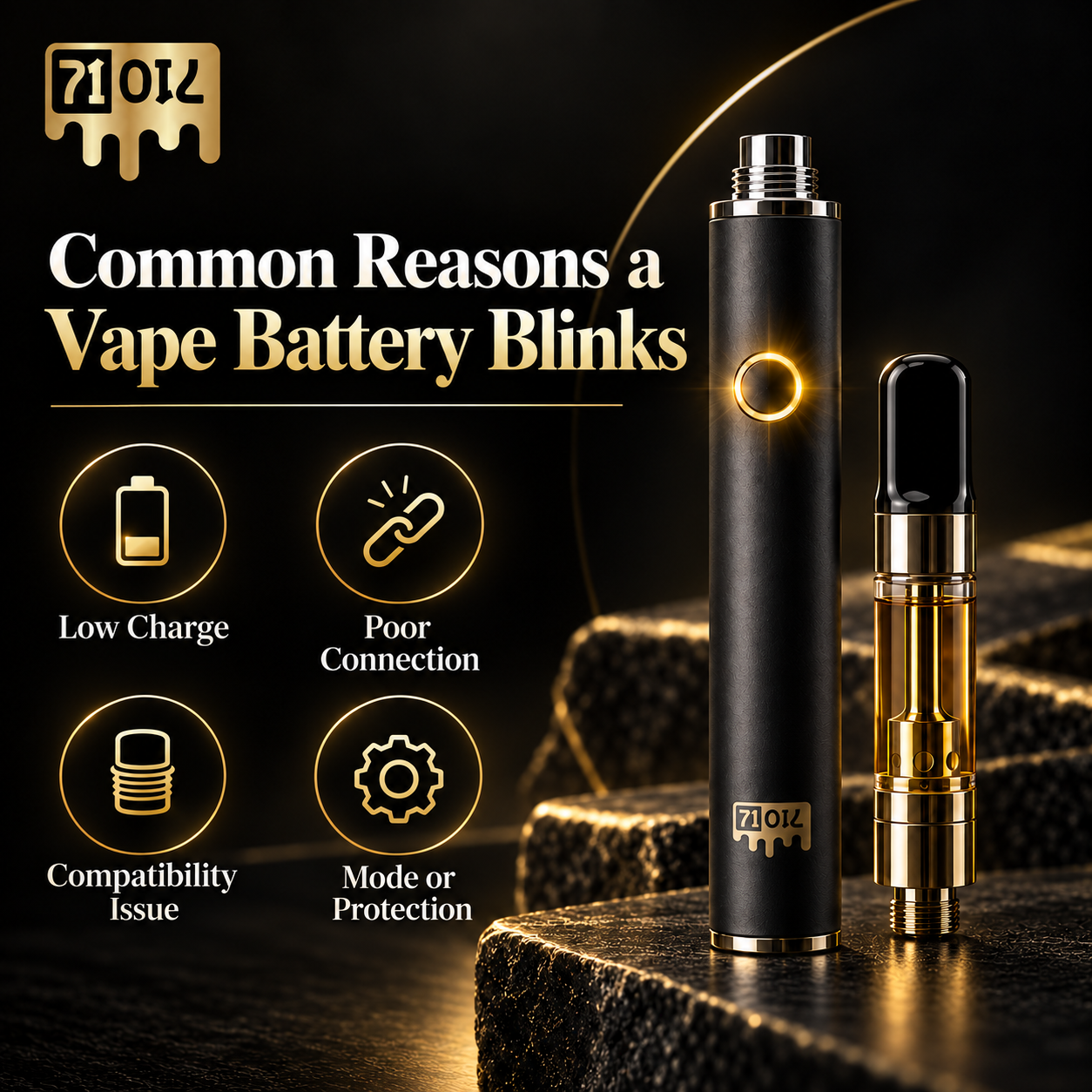
1. Low Battery Charge
A low battery is one of the first conditions to rule out. Some batteries flash when remaining charge is low or when there is not enough power to complete a normal activation cycle.
Recharge the battery only according to the manufacturer’s instructions. Do not assume that every battery uses the same charging time, cable, current, or voltage.
2. Cartridge-to-Battery Connection
The battery and cartridge need a clean, properly seated electrical connection. If a cartridge is loose, overtightened, misaligned, or not making reliable contact, some batteries may respond with a blinking indicator.
Remove the cartridge and inspect only the accessible connection surfaces. Reattach it gently and stop when it is seated. Do not pry, lift, scrape, bend, or force the contact pin.
3. Cartridge and Battery Compatibility
A shared 510 thread does not guarantee complete compatibility. Physical clearance, airflow, electrical contact, operating requirements, adapters, and manufacturer restrictions can still matter. See Are All 510-Thread Batteries Compatible With Cannabis Cartridges? for the full checklist.
If the blinking begins only after a particular cartridge is attached, treat the cartridge-to-battery pairing as a likely area to investigate before assuming the battery itself is defective.
4. Protection Feature or Automatic Cutoff
Some batteries use blinking to show that a built-in protection feature or automatic cutoff has been triggered. The exact trigger may involve operating time, electrical load, temperature, or another model-specific condition.
Do not bypass a protection response. Let the hardware return to normal condition and follow the manufacturer’s instructions. If the warning keeps returning after basic checks, stop troubleshooting through repeated activation.
5. Lock, Preheat, Voltage, or Another Operating Mode
A flashing light does not always mean failure. Button-operated batteries may blink when the device is locked, unlocked, entering preheat, changing voltage, or confirming another mode.
Control sequences vary by battery. Do not assume that a certain number of clicks or a certain LED colour has the same meaning across brands. For related operating guidance, review What Voltage Should You Use for a Cannabis Vape Cartridge? and What Does Preheat Mode Do on a Vape Battery?.
Why Does My Battery Blink When I Attach the Cartridge?
If the battery behaves normally by itself but starts blinking as soon as a cartridge is attached, focus on the connection and compatibility before trying random button sequences.
- Confirm that the cartridge uses the correct connection format.
- Check that the cartridge fits without being forced or overtightened.
- Inspect the accessible battery and cartridge contacts for visible residue or damage.
- Confirm that the battery has sufficient charge.
- Check the cartridge for cracks, leaking, bent hardware, or other visible damage.
- Review the battery and cartridge operating requirements.
- Look up the exact LED or error code in the manufacturer documentation.
If you are still unsure whether the two parts are intended to work together, use the Battery for Cannabis Cartridge: 510 Buying Guide before replacing either component.
Why Is My Vape Battery Blinking but Not Hitting?
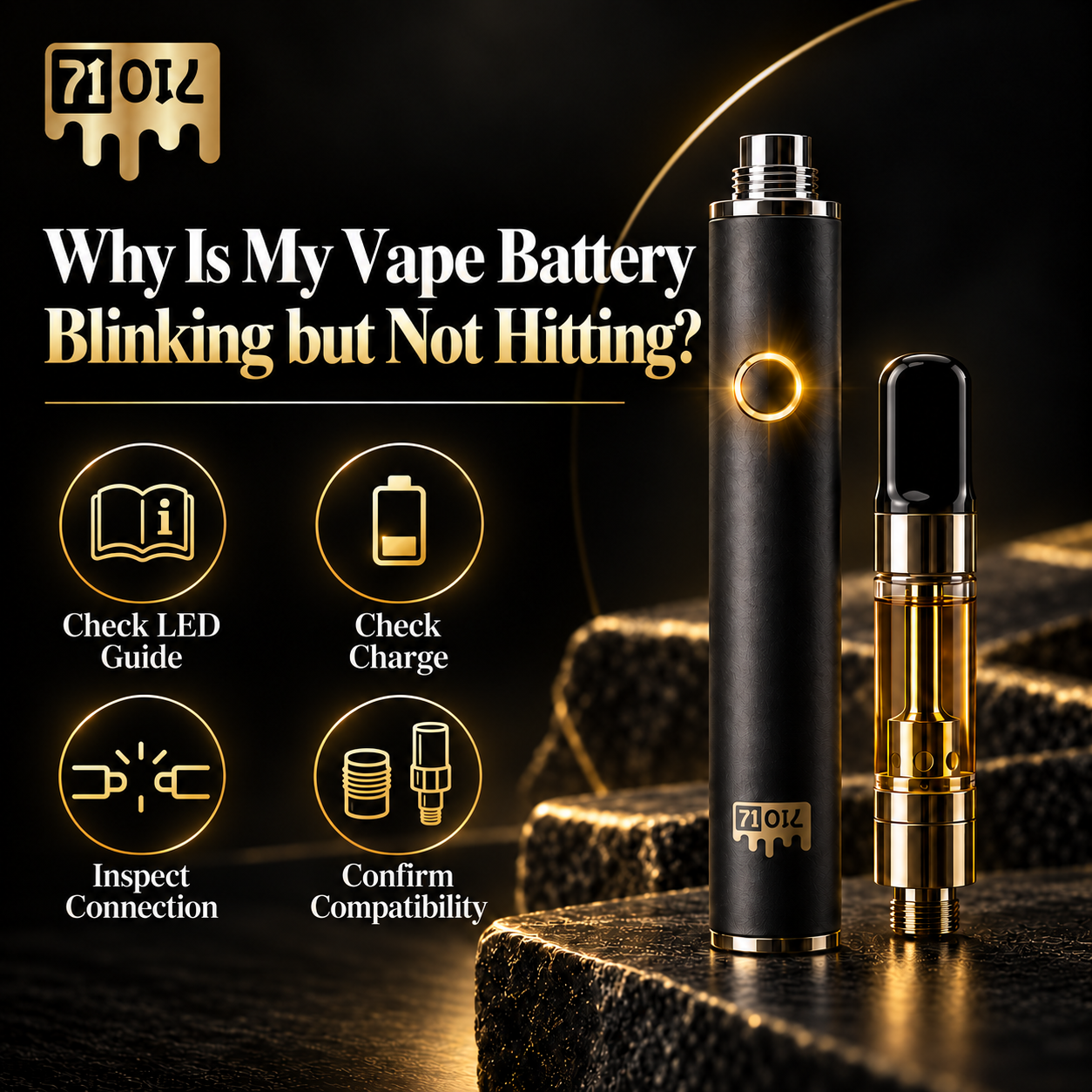
When the battery blinks but the cartridge does not operate normally, use a fixed diagnostic order instead of repeatedly firing the device.
- Check the battery manual or LED guide. Identify the model-specific meaning of the light before interpreting the pattern.
- Check the charge. Recharge only with the charging method and electrical specifications intended for that battery.
- Confirm normal operating mode. Check whether the battery is locked, in preheat, in a voltage-setting mode, or otherwise not in normal activation.
- Remove and inspect the cartridge connection. Look only at accessible surfaces for residue, poor seating, or visible damage.
- Confirm compatibility. A cartridge can screw into a 510 battery and still be unsuitable because of fit, airflow, contact, or operating requirements.
- Check for visible damage or abnormal heat. Stop if the battery or cartridge is swollen, cracked, leaking, unusually hot, or otherwise abnormal.
- Use a manufacturer-supported test only if the instructions allow it. Do not improvise with exposed contacts, modified chargers, or internal components.
- Contact the retailer or manufacturer. Persistent faults should move to support or replacement rather than internal repair.
If the battery appears normal but airflow remains restricted, review the common causes of cannabis vape cartridge clogging before assuming the battery has failed.
Can a Dirty 510 Connection Make the Battery Blink?
Residue on accessible connection surfaces may contribute to poor contact on some hardware, but a dirty connection is not the only possible cause of blinking.
Keep cleaning limited to the external maintenance described by the battery manufacturer. Do not pour liquid into the battery, soak it, scrape contacts with metal tools, remove the housing, or attempt internal repair.
For the basic connection itself, see What Is a 510-Thread Battery?. A dedicated 71 Oil cleaning guide can cover manufacturer-supported connection maintenance in more detail.
What If the Vape Battery Blinks While Charging?
Charging lights can show normal charging, completed charging, or a fault depending on the device. The manual for the exact battery is the correct reference for what the LED should do during charging.
Use charging equipment that meets the manufacturer’s voltage and current requirements, and do not exceed the recommended charging time. Charge the device where you can see it and away from soft surfaces that can trap heat.
Stop charging or using the device if the battery becomes abnormally hot, swells, shows visible damage, or repeatedly behaves outside the manufacturer’s documented charging pattern.
When Should You Stop Troubleshooting a Blinking Battery?
| STOP-USE WARNING Stop using the battery if it is swollen, dented, visibly damaged, abnormally hot, giving off a burning or electrical odour, activating unexpectedly, affected by liquid intrusion, or repeatedly faulting after normal external checks. Do not open the device, bridge contacts, bypass cutoffs, or improvise charging. |
A blinking light that persists after charge, connection, compatibility, and mode checks may indicate a hardware problem that needs retailer or manufacturer support rather than further user troubleshooting.
What Should You Check First When a 510 Battery Blinks?
- Read the battery manual or manufacturer LED guide.
- Confirm the battery charge and use the specified charging equipment.
- Confirm the device is in its normal operating mode.
- Remove the cartridge and inspect the accessible connection surfaces.
- Confirm cartridge and battery compatibility.
- Check both components for damage, leaking, swelling, or abnormal heat.
- Use only a manufacturer-supported test if one is documented.
- If the problem continues, contact the retailer or manufacturer or replace the faulty component.
If replacement becomes necessary, compare battery options only after confirming the cartridge requirements. The 71 Oil 510 Cart Batteries category can be used to review available hardware after compatibility has been checked.
Frequently Asked Questions
Why does my 510 battery blink when I press the button?
It may be indicating low charge, a lock or operating mode, a protection response, or another model-specific status. Check the manual for the exact battery before interpreting the flash pattern.
Why is my vape battery blinking after I charge it?
The light may represent full charge, a charging status, an operating mode, or a fault depending on the device. Confirm the documented charging behaviour and make sure the charger matches the manufacturer’s specifications.
Why does my battery blink only when the cartridge is attached?
That pattern can point toward connection, fit, electrical contact, or compatibility. Remove the cartridge, inspect the accessible connection, confirm charge, and verify that the cartridge and battery are intended to work together.
Does a blinking vape mean the cartridge is empty?
Not necessarily. Blinking is a battery indicator, and an empty cartridge is only one possible product condition. Check the oil level, cartridge condition, battery status, and model-specific LED meaning separately.
Does red blinking always mean low battery?
No. LED colours are not standardized across all vape batteries. Red can mean different things depending on the manufacturer and model.
Why does my vape blink and stop after a long activation?
Some batteries use automatic cutoffs or protection responses after extended activation. The exact timing and indicator pattern vary by model, so check the battery instructions rather than relying on a universal cutoff time.
Can I keep using a battery that keeps blinking?
Only if the manufacturer documentation identifies the blinking as normal and the hardware is operating normally. Stop using the battery if it repeatedly malfunctions, overheats, is damaged, swells, or shows other abnormal behaviour.
Understand the Signal Before Trying to Fix the Device
A blinking vape battery is a message from the device, but the message is not standardized. The safest troubleshooting order is to identify the model-specific code first, then check charge, operating mode, connection, compatibility, and visible hardware condition.
Keep troubleshooting external and conservative. Do not force connections, pry contact pins, modify the battery, bypass built-in protections, or improvise charging. If the battery is damaged, abnormally hot, or repeatedly unreliable, stop using it and follow manufacturer or retailer guidance.
For deeper battery education, continue with Are All 510-Thread Batteries Compatible With Cannabis Cartridges? or the Battery for Cannabis Cartridge: 510 Buying Guide.
Resources Used
- Health Canada – Cannabis accessories for inhalation
- Health Canada – Vaping product safety
- Health Canada – Battery safety: Lithium-ion batteries
- Health Canada – Industry Guide to Vaping Products Subject to the Canada Consumer Product Safety Act
- 71 Oil – What Is a 510-Thread Battery?
- 71 Oil – Are All 510-Thread Batteries Compatible With Cannabis Cartridges?
- 71 Oil – Battery for Cannabis Cartridge: 510 Buying Guide
- 71 Oil – What Voltage Should You Use for a Cannabis Vape Cartridge?
- 71 Oil – What Does Preheat Mode Do on a Vape Battery?
0 Responses